Peering Database
 Something new I learned today is that I found that there is a Peering Database which contains details of different peers who are setup in various Internet Exchange points (IX or IXP) around the globe.
So basically, it contains information on what networks are peering, where they are peering, and if they are likely to peer with you. The site is PeeringDB.com .
An Internet Exchange is where Internet Service Providers (ISPs) exchange internet traffic between their autonomous networks. The primary purpose of this is to have direct interconnection of networks via the exchange, rather than through one or more third party networks, thereby reducing cost, latency, and bandwidth.
Some of the IXs I’m more familiar with (through my workplace) are the TORIX (Toronto Internet Exchange), NYIIX (New York International Internet Exchange), SIX (Seattle Internet Exchange), and AMS-IX (Amsterdam Internet Exchange). Some peers have different policies according to their needs. Some have an open policy which means that they can establish BGP peering sessions with those networks who request to peer with them, while others have a selective policy which is attributed by varied reasons.
The data that you can find from the Peering Database are the company information, peering policy information, contact information, public peering exchange points, and private peering facilities. I have to mention that a specific company may be available at several IXs. It depends on the need of the company that wishes to peer, whether they want to establish sessions with all, some, or just one of those IXs where they have a mutual presence.
Photo Credit: Fabienne Serriere
HP Slate – It’s worth it.
The HP Slate (or HP Slate 500) is a Windows 7 slate PC with multi-touch capabilities. I got my own last April 2011 and I love it. As with all other devices, it has some pros as well as cons. Let me share my thoughts on this device based from my experience with it so far.
Pros
It is very portable; smaller than a laptop or netbook. It is light enough to be used like an e-reader (think Kobo or Kindle). It runs on a Windows environment, which means most of the applications/programs you are currently using at home or at your work computer can be installed and used on this. It has a multi-touch interface which means you can do stuff right there on the screen without needing a stylus pen (although it comes with one). 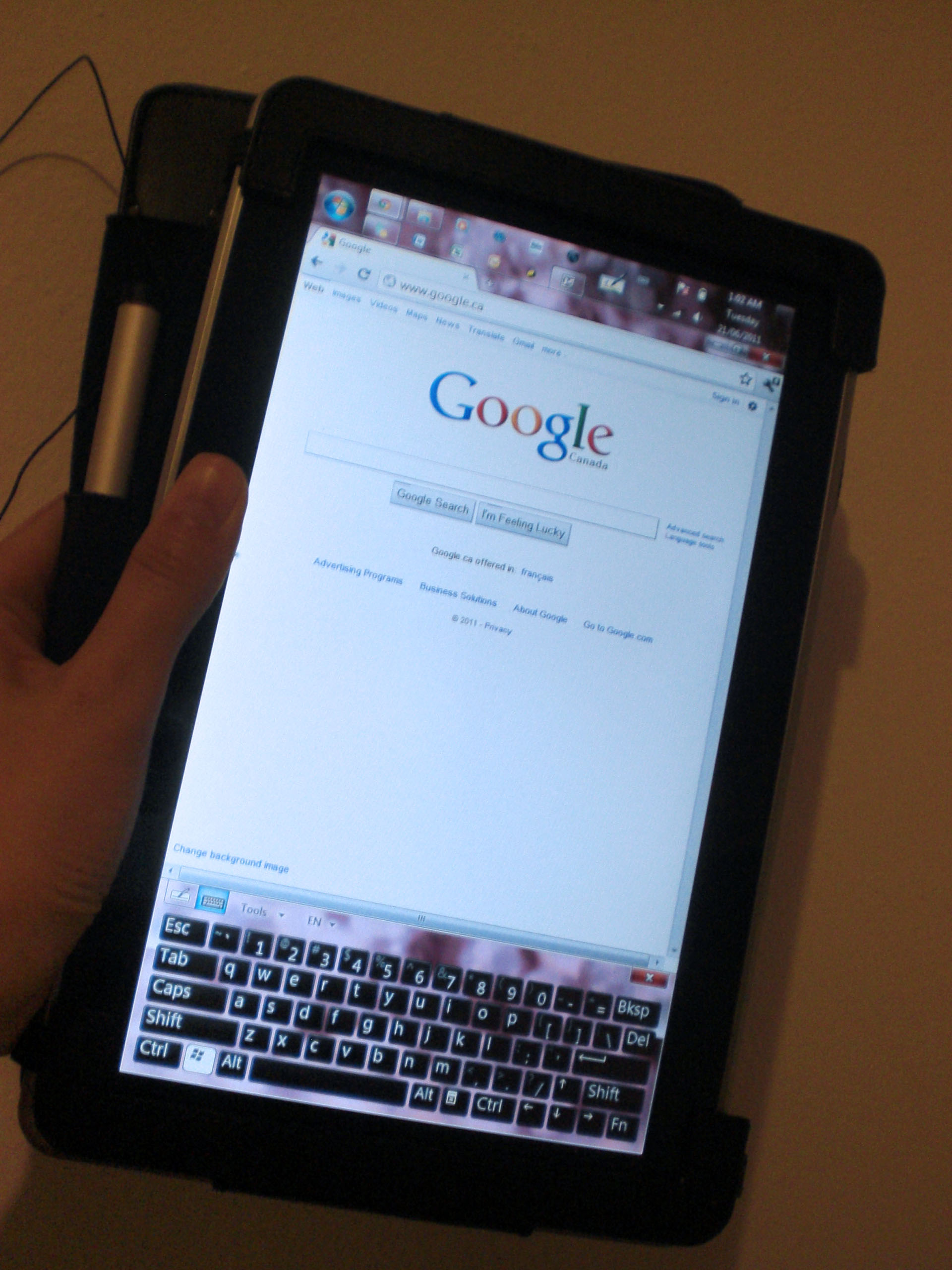
Cons
It is not as light as the Apple iPad or BlackBerry Playbook, or other tablets for that matter, which could be a disadvantage for some because some people want a tablet/slate PC to be extremely light. It doesn’t really have a specialized interface either for touch, unlike the iPad or Playbook which have some apps which makes tasks or viewing of data easier on them. The screen also isn’t as responsive to touch as I’d like it to be, especially since I tend to have sweaty fingers at times. Also, it only has a 64GB internal hard drive and doesn’t have cellular network capability (3G).
Verdict
Of course, despite of its cons, I still think the HP Slate is a great product. It is more targeted for professionals who need to work on the go from time to time, if not all the time. It is useful for logging into work through VPN using a Cisco client. It can run simulators which I can use for practicing for my CCNA (though I have yet to install it). I can use the standard Microsoft Office programs on it (or Open Office if you prefer). I can also install Adobe Photoshop (or whatever else) on it if I prefer, but that one can be memory extensive, so never mind. With regards to the small internal hard drive capacity, you can obviously connect an external hard drive to it for additional capacity through the USB port. Also, with the availability of internet sticks, you can use the Slate on the 3G network by plugging the stick in the USB port; or tether to it if you have a BlackBerry (as I do) or iPhone.
So despite quite a number of cons, there are still a good number of pros for this device, and that is why I chose to have it.
The HP Slate 500 can be purchased directly on the HP site ($799), or eBay if you want it cheaper.
Also, coming soon from HP: the TouchPad which is more like the iPad or Playbook, and more targeted to regular consumers.
Just Thankful
Okay, I know it’s been an incredibly long time since I last made a post. I guess I just was not inspired to write for these past few months. I need to get back on track.
 One thing that made me write this post is that I am just thankful for the recent new position I accepted at the company I’ve been working with for the past 10 months. It has been a challenging, rocky journey to get to this place right now. The road blocks are still many ahead, and I have to learn how to pass through them. The learning never stops. The opportunities continue to broaden.
I hope and pray for better things for everyone I care about as well.
Unboxing the Nokia N8
WOM World/Nokia contacted me again if I wanted to trial a Nokia N8. I gladly accepted and I got the Nokia N8 by courier two days ago. Here are photos of the unboxing. Review on the product in another post coming soon.
Nokia N8 Launch Party (Canada)
Two nights ago on November 10th, 2010, I attended the Nokia N8 Launch Party in Toronto, Canada where I was invited by Chris from WOM World/Nokia. It was held at Bang & Olufsen at 175 Avenue Road. It was a cool place and a cool party. Drinks and hors d’oeuvres were served, hip music was played. On one side was a section where anyone can play games using the Nokia N8s which were plugged into two big screen TVs.
There was a section where someone was showing the game/apps features of the phone, and another section where someone was explaining the technical specs of the N8. I got to try out playing two games on the N8 — Avatar and Angry Birds. The screen was nice and very responsive. I noticed though that when you have 2-3 apps open while playing, it slows the game down. So if you ever want to play games on it, better to close all the other apps that you have running.
-More after the jump-

When I headed over to the technical section, the guy who was there was still talking to someone. So I stood nearby kind of waiting. And then Glenn, the nationwide sales manager of Nokia Canada who was standing nearby too, asked if he could answer any questions I had although he probably wouldn’t be more specific as the N8 technical guy there. He was really nice as he answered my inquiries about the phone. I mentioned that it was really light and I was curious what kind of material was used to make it; he said it was anodized aluminum. I probably wouldn’t have needed to ask that question if I did some homework on the product before going to the launch party. We talked about how good its touchscreen was. I mentioned that based on my experience with other Nokia models with touchscreens, this one was really good while the older ones were not so good. Also the N8 has 16GB internal memory but is expandable up to 32GB with a MicroSD card.
Welcoming remarks were made after an hour I was there by another important person from Nokia Canada (sorry can’t remember who it was) and also the host that was the owner of Bang & Olufsen. It was mentioned that the N8 is sold only on Rogers Wireless for $79.99 on select 3-year plans. Also on a side note, interesting that the host mentioned that Bang & Olufsen and Nokia had something in common, that is they are both Scandinavian. And then they showed a video on the big screen which was shot with the Nokia N8. It was sharp and had good picture quality.
After the welcome remarks, I hung out for a bit more, had some more hors d’oeuvres and played again with the N8 in the games section, then I had to go home because I had work early the next day. Anyway, eventhough I’ve had a short experience with the N8, I was already really impressed by it. I can’t wait to test it out for a couple of weeks (coming soon!).
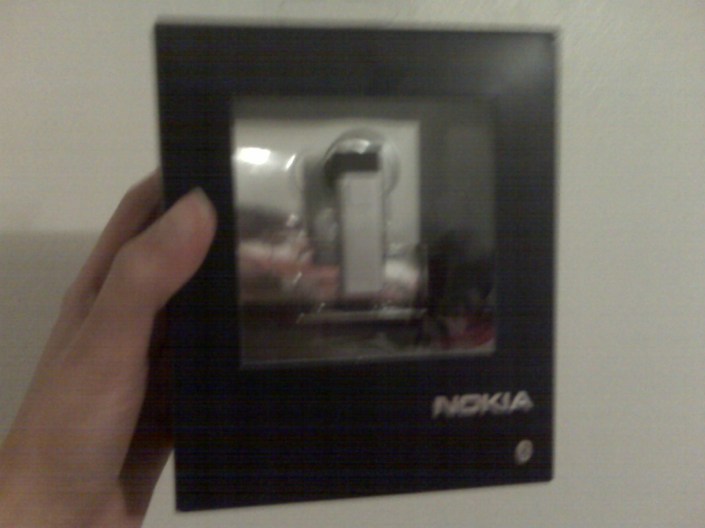
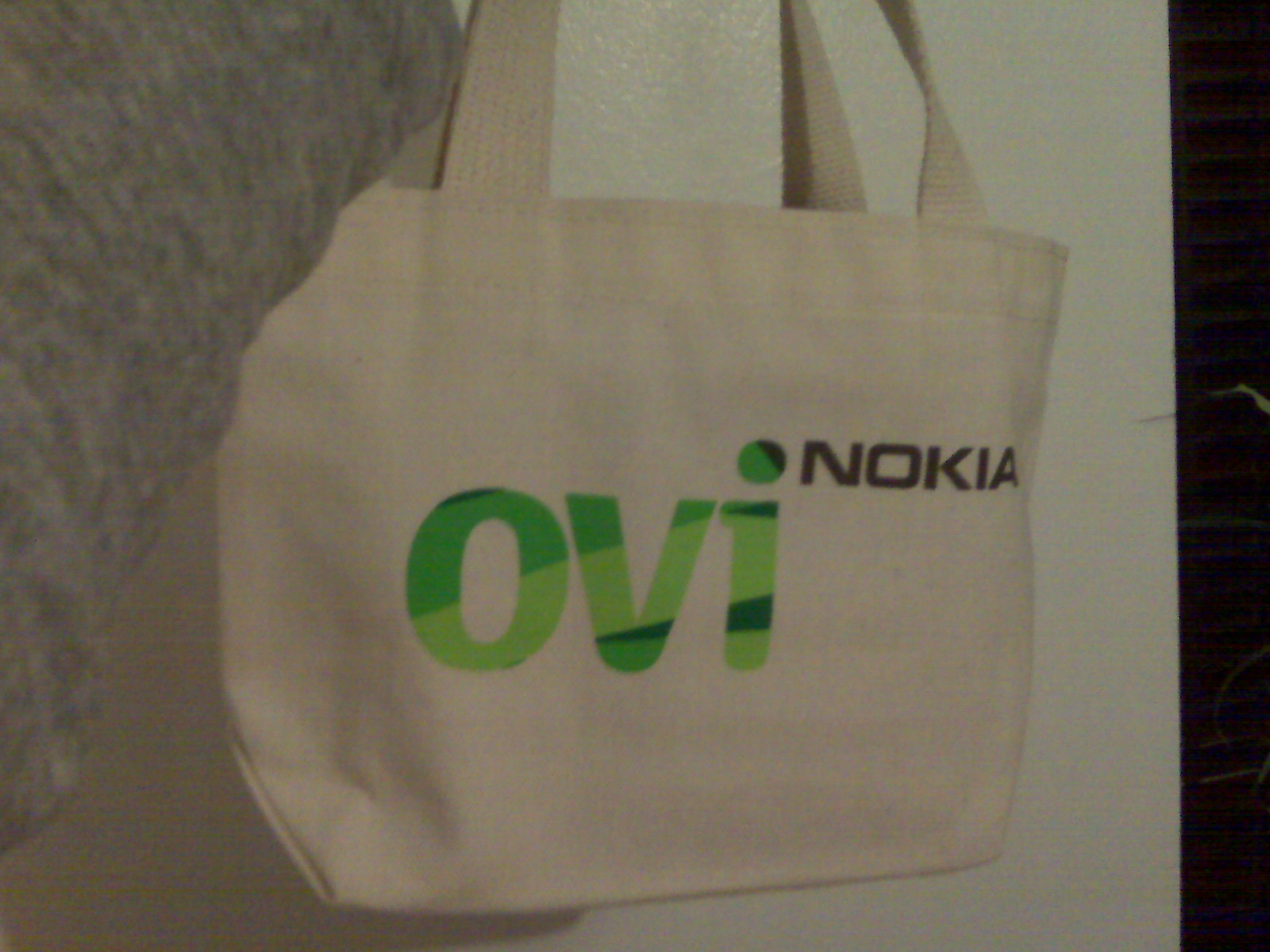
Oh yeah, I got a free Nokia Bluetooth Headset BH-804 in a small giveaway Ovi bag. That was pretty cool.
P.S. The photos I took are kinda crappy because I didn’t have my camera with me so I used my BlackBerry Curve.
 Tech-Life in Pink

