Life
Nokia N8 Launch Party (Canada)
Two nights ago on November 10th, 2010, I attended the Nokia N8 Launch Party in Toronto, Canada where I was invited by Chris from WOM World/Nokia. It was held at Bang & Olufsen at 175 Avenue Road. It was a cool place and a cool party. Drinks and hors d’oeuvres were served, hip music was played. On one side was a section where anyone can play games using the Nokia N8s which were plugged into two big screen TVs.
There was a section where someone was showing the game/apps features of the phone, and another section where someone was explaining the technical specs of the N8. I got to try out playing two games on the N8 — Avatar and Angry Birds. The screen was nice and very responsive. I noticed though that when you have 2-3 apps open while playing, it slows the game down. So if you ever want to play games on it, better to close all the other apps that you have running.
-More after the jump-


When I headed over to the technical section, the guy who was there was still talking to someone. So I stood nearby kind of waiting. And then Glenn, the nationwide sales manager of Nokia Canada who was standing nearby too, asked if he could answer any questions I had although he probably wouldn’t be more specific as the N8 technical guy there. He was really nice as he answered my inquiries about the phone. I mentioned that it was really light and I was curious what kind of material was used to make it; he said it was anodized aluminum. I probably wouldn’t have needed to ask that question if I did some homework on the product before going to the launch party. We talked about how good its touchscreen was. I mentioned that based on my experience with other Nokia models with touchscreens, this one was really good while the older ones were not so good. Also the N8 has 16GB internal memory but is expandable up to 32GB with a MicroSD card.
Welcoming remarks were made after an hour I was there by another important person from Nokia Canada (sorry can’t remember who it was) and also the host that was the owner of Bang & Olufsen. It was mentioned that the N8 is sold only on Rogers Wireless for $79.99 on select 3-year plans. Also on a side note, interesting that the host mentioned that Bang & Olufsen and Nokia had something in common, that is they are both Scandinavian. And then they showed a video on the big screen which was shot with the Nokia N8. It was sharp and had good picture quality.
After the welcome remarks, I hung out for a bit more, had some more hors d’oeuvres and played again with the N8 in the games section, then I had to go home because I had work early the next day. Anyway, eventhough I’ve had a short experience with the N8, I was already really impressed by it. I can’t wait to test it out for a couple of weeks (coming soon!).
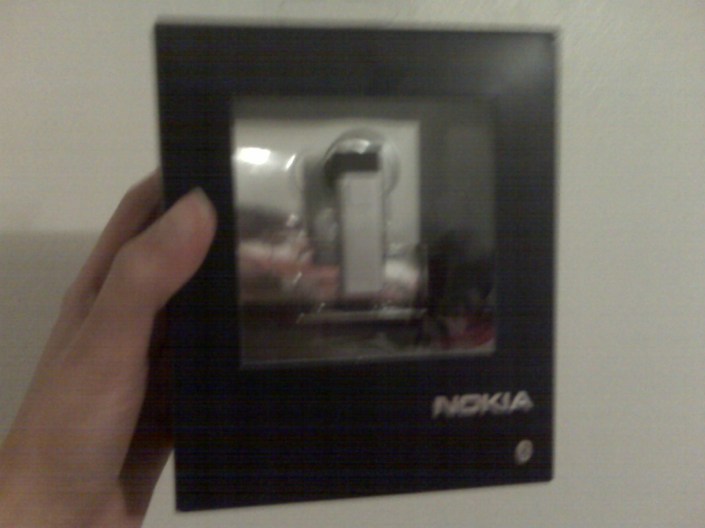
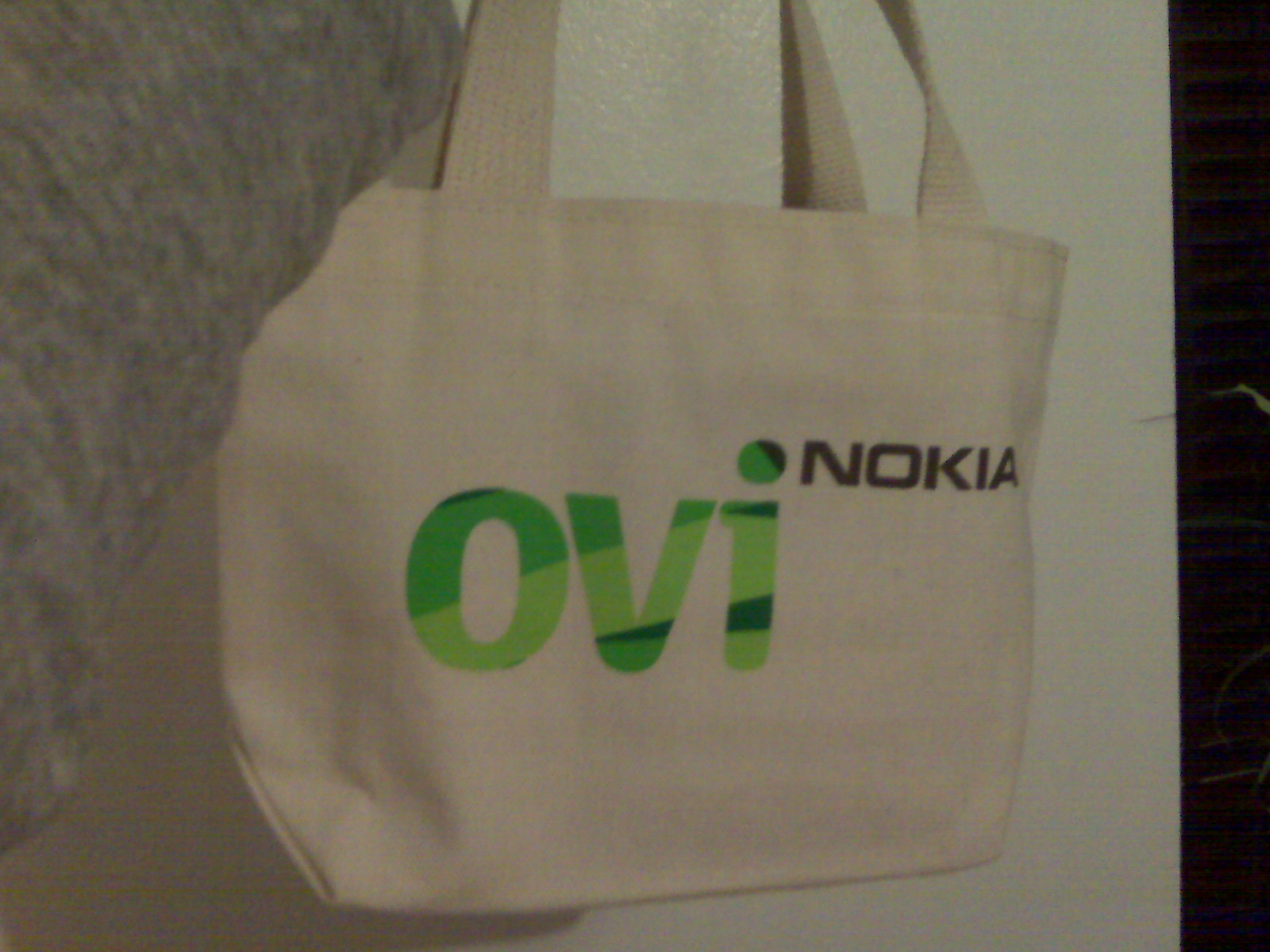
Oh yeah, I got a free Nokia Bluetooth Headset BH-804 in a small giveaway Ovi bag. That was pretty cool.
P.S. The photos I took are kinda crappy because I didn’t have my camera with me so I used my BlackBerry Curve.
Linksys NAS 200 Tech Support – Part 2
[Part 1 of this topic HERE.]
I took out and checked the hard disk drives and it turns out I actually had two 1000 GB (1 TB) hard disk drives put in the Linksys Network Storage System NAS 200. So I actually was supposed to have a total of 2 TB capacity (or technically, 2 x 931 GB = 1862 GB). Got even worse since only 858 GB was showing, eh?
 I tried the Separate Disks drive configuration and it showed the correct capacity. The problem was when I had it configured as JBOD/LVM. I tried installing two, then just one. But still the same.
When I contacted chat support on Day 2, the agent tried to suggest solutions and walked me through them, but they didn’t work. I wasted about 40 minutes with him for this. Then I had to cut our conversation short since I had to do something else at that time.
In the end, that afternoon I found out the solution on my own. I simply needed to flash the NAS 200 with the latest firmware which is Version 3.4R75. In the release notes, this is specifically what I needed:
11. Fix the issue that the drive size can not be recognized correctly when hard drive size over 500GB under JBOD/LVM configuration.
The tech support agents should have asked me the question what firmware version did the NAS 200 have but they didn’t! Problem would have been solved sooner if they had. Note to self: Check for latest firmware version of equipment always!
If you ever encounter a problem with equipment not showing proper capacity or anything similar whatsoever, check for the latest firmware always on the product website. Or if they don’t have updated firmware, third-party sites might have (use Google to search for these).
Linksys NAS 200 Tech Support: Unsatisfactory
[Update/Part 2 of this topic HERE.]
“The Linksys by Cisco brand is known and respected worldwide through products designed to fit each country’s networking requirements…”
“Why Choose Linksys by Cisco…
…Technical Support.
Our call centers are recognized worldwide for quick response and the ability to solve problems…”
I found these statements on Linksys by Cisco’s About Us page. With this, you would surely be confident of the technical support they would give you, right? NOT! That is not the impression I had today when I contacted their technical support for the first time. Let me share what happened to me.
I was working with the Linksys Network Storage System NAS 200. I configured and set it up on the local network. It has two SATA hard drive bays and also two USB ports where external hard drives can be attached. In the drive configuration for the NAS 200, four choices are given on how you want to set it up, depending if you want (A) maximum storage, (B) maximum data security, or (C) maximum speed: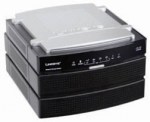
- 2 separate disks — A
- 2 disks configured as one large disk (JBOD/LVM) — A
- Mirroring (RAID 1) — B
- Striping (RAID 0) — C
I put in two 500 GB SATA hard drives, a total of 1 TB, and configured it as JBOD (Just a Bunch of Disks). Expected total capacity should be about 931 GB. What did it show me? Only 858 GB. Where did the 73 GB go? No idea. So I called tech support, explained the situation, and asked why this is so. A lady agent received my phone call around 4:35 PM EDT.
- Conversation ~ 2 minutes
- On hold ~ 4 minutes
- Agent asked more questions and gave me a vague answer then told me I should probably speak to her supervisor ~ 2 minutes
- On hold ~ 10 minutes
- Agent told me supervisor should be with me in one minute and asked that he can either call me back or if I will wait. I said I will wait (after all, I’ve been waiting already and wanted an answer right away, right?). I wanted to make sure so I asked her “one minute?”. She said, “Yes, one minute.” So I confirmed again that I will wait. ~ 1 minute
- On hold ~ 3 minutes ( ! )
- Agent apologized that the supervisor wasn’t available because he was still on the phone with someone else. They will have to call me back in 20 minutes. Exasperated, I just agreed.
 Guess what? She nor the supervisor didn’t call me back. They just wasted about 22 minutes of my time!
I tried to search for answers online but it was getting late so I didn’t find much. I tried the e-mail support instead but I got an automated response that they no longer have e-mail support and recommended an option for live chat support instead. Good thing is I was able to chat to an agent and was more enlightened by his responses. He recommended that I connect the hard drives directly to the computer to check its exact capacity. I figured if the total capacity would still be 858 GB when connected directly, then the problem has to do with the hard drives. If it indeed shows ~931 GB, then the problem would be their storage system.
Tomorrow I’ll check the capacity. I’ll write an update about what happens.
P.S. I’m hoping their phone support was only poor for today and not regularly.
[Update/Part 2 of this topic HERE.]
Photo Credit: Evil Erin
Online Shopping
(This post is a modified version of a Multiply blog post I wrote on February 11th, 2008.)
 One of my favourite hobbies is online shopping. When I was in the Philippines, it never really was a common thing for people to do there. It was kind of a rare as well to find shops where you could buy from online, or maybe I just wasn’t aware of which Filipino websites I could visit to buy stuff. [Update: I’ve found that there has been an increase of online sellers in the Philippines, some of which can be found selling items at Multiply.]
Anyway, even when I was still there, I actually used to visit eBay to find things/gadgets that I would like to buy. Unfortunately, I didn’t have that much money to buy the stuff I wanted, and I suppose it was much cheaper to buy them from the physical stores in the city where I lived than to buy all the way from the US or Canada. But still, I liked keeping track on eBay those items which I liked.
Cellphones were one of the things I usually kept track in my eBay list. I would compare the prices of the items on the site to what was sold in cellphone shops in my city, and sometimes I found that it actually was cheaper to buy from the site if you get to win the bidding right away at that low price.
 Hmm, now I recall that I actually did try to bid on some items, but of course there would always be someone who would bid higher than me. Once other people would start bidding against me, then that was the time I would realize the items were now much more too expensive to buy.
Well now that I’m living in Canada, I’ve been so addicted to buying stuff from eBay. Contrary to what I used to think about stuff being sold on eBay, it’s not all “used” and “old” stuff that are up for auctions. There are actually a lot of NEW items being sold there at great deals!
The price for good quality stuff one could buy from this site is what has got me addicted to logging in to this site over and over again. I’ve bought so many things already from there, including my lovely satin pink Motorola V3 Razr phone, which I bought for only US$70!! Great deal, eh?
Aside from eBay, other sites I buy items from are Abercrombie & Fitch, American Eagle Outfitters, Suzy Shier, Aldo, Amazon, and Chapters. I believe there are other sites aside from these but I can’t quite recall them at the moment. [Update: Since quite a few months ago, I no longer shop at A&F and AE due to my change in preferences. I’m no longer a college kid after all.]
For those sites that sell clothes and shoes, I always go to their Clearance section because that is where I can buy a lot of nice items at a lesser price. For the sites that sell books, there’s always a section where you could choose if you want to buy a good used book at a much cheaper price.
 Shopping online has its advantages as well as its disadvantages. One advantage is that you won’t tire yourself in going in and out of countless stores to find a nice top that you’re itching to buy. Instead of running around to each shop, online shopping allows you to just type in a search bar and then click and click until you find the top, skirt, jeans, pants, shoes, or whatever else you need (or want).
Another advantage is that you will have the ability to compare prices of certain similar items easily from different online stores, allowing you to decide more efficiently which item is the best one to buy at the best price.
On the other hand, one disadvantage of online shopping is not being able to try on the clothes or shoes if they fit perfectly. Well usually, if you know what your size is, the fit will most probably be all right, but unfortunately, there are those times that you just never know! If this is the case, better check with the seller first about returns and exchanges.
Another disadvantage is that once you buy an item online, you won’t have the satisfaction of getting it in your hands right away. You will have to wait a day or two, a week or two weeks, or even a month at times until the item you purchased gets delivered to you. If you cannot wait that long, always check with the seller when the estimated time of delivery of the product will be before making the purchase. So if you really really want the item in a rush, you can usually pay additional charges for faster shipping.
 All in all, shopping online is a wonderful experience for me. If you do online shopping, too, just ensure that the site is a trusted merchant and be careful of how you make payment transactions (suggestion: use PayPal if possible).
Photo Credits: mangpages, Kimberley.♥, D Sharon Pruitt
Hey, It’s Me!
Hello world! This is Anna Isabel Saldivar and this is my first post for this blog.
I’ve actually been writing for quite awhile. I have another blog, but it mostly contained stuff about my personal life. So, I decided to create a new one where I can talk more about my passion for technology, and less about random stuff in my life. In other words, this will be my so-called “professional” blog. But of course, it wouldn’t hurt to include some random interesting stuff from my life once in awhile.
 When I was just a young kid, I already loved writing. I even remember that there was this one time that I entered a short story contest sponsored by a major national newspaper. I think what I wrote was a fictional story about a girl and a flying unicorn. (Haha! Isn’t that cute?) I didn’t win though, but it was a very memorable experience for me. Writing will always be a part of me.
Topics that I have in mind right now which I will definitely be blogging about will include social media, the web, gadgets, hardware, and just about anything else that involves technology.
Why Tech-Life in Pink? Well firstly, my favourite colour is pink. Pink also represents being a lady. I am a lady and I will be talking mostly about technology and how it affects me and my life, so that is how I came up with that.
Well, that’s it for now. Soon you’ll get to know more about me and my tech-life in pink!
- ← Previous
- 1
- …
- 4
- 5
 Tech-Life in Pink

